
Documentation
Everything you need to run ranked customs on your Discord: set it up, play, and let Elobby turn every result into your server's story.
What is Elobby?
Elobby gives your Discord server its own ranked custom games, then turns them into a story. It hosts lobbies on one live board, auto-balances teams with a Glicko-2 skill rating, gets players into team voice (console players are handed a link instead of being moved, which would crash them), and runs a full ranked ladder that's yours alone: your own tiers, leaderboard, profiles, and match history.
On top of that sits the broadcast layer: storyline ribbons on standout matches and a weekly recap on every server, plus, on Elobby Pro, seasons with a crowned champion and the season recap that narrates your server's history.
You can run the whole thing from Discord if you want to. One command sets a server up and the rest happens on the board and the host panel, so nobody is forced to open a browser to play. The dashboard is there when you want finer control: rank names and crest art, season announcements, per-game settings, and the public pages your members can share.
Getting started
Three steps, and you are playing.
Add the bot
Use the Add to Discord button and invite Elobby to your server. You need Manage Server permission to do it.
Set it up, in Discord or on the website
/setupopens a guided setup in a private panel. It explains each setting before it asks, and saves each step as you go:- Staff. Who hosts: pick a role, or @everyone if anyone should be able to start a game. Moderators are optional. Hosts, moderators and admins can start and run hosted games. On the dashboard you can also name individual members as hosts, so one trusted player can run games without a role.
- Hosted games. Your customs channel and a voice category. Choose your existing channels and category. Elobby creates temporary game rooms inside the selected category and removes them afterwards.
- Auto Queue, optional. A board players join when they want to play. Skip it and add it any time with
/queue setupor on the dashboard's Auto Queue page. Each queue has its own board channel. It is separate from the customs channel you use for hosted games. - Next steps. Elobby checks its own permissions and names anything to fix before your first game.
- Prefer the website? Open your server on the dashboard and the same guided setup walks you through the same four steps. Stop halfway and it picks up where you left off, on either one.
Play
Run
/custom startto open your first session. Fine-tune ranks, hosts and naming on the dashboard whenever you like.
Running a custom
One command opens a game night. Here is the whole shape of it before the detail.
- Someone runs /custom start. Elobby posts the live board in your customs channel and opens a thread for the session, plus a Lobby voice channel just for it.
- Players tap Join. From the board, or from inside the voice channel's own chat. The board updates the moment anyone joins or leaves.
- The host makes the teams and starts. Balance them, shuffle them, draft them, or move people by hand. Then Start game.
- Report the winner. Everyone's LP updates instantly and the result card is posted in the thread. Start same teams to run it back, or end the session.
The host controls
Everything the host needs is one panel inside the session thread.
- Balance / Shuffle: make the teams (balanced by rating, or random).
- Manage players: move a player to the other side, take someone out, or put someone in by hand, before the game and after it. The board updates as you go and a counted game still has to have two even sides, so a manual edit cannot quietly put a lopsided match on the ladder.
- Disqualify: while a game is being played, a host can disqualify someone for griefing, abandoning the match, or breaking a rule. The game carries on unchanged and keeps its real winner. The player loses twice the LP that game would have cost them and cannot queue here for a while, longer each time it happens again within 30 days. Their innocent teammates score nothing at all rather than take the loss, and nobody in the match has their hidden rating touched. It can be undone while the game is still in progress.
- Start game: begin the game with the teams you made.
- Split VCs and Return to Lobby VC: send each team into its own voice channel, and pull everyone back into the lobby afterwards. Two separate buttons, available in every phase, so you can split and regroup whenever you like rather than only at the start. Console players are never dragged; they get a link to tap instead, because moving a console client between channels crashes it.
- Ranked or Casual: flip a session to Casual and it plays exactly the same, but the result doesn't count toward the ladder.
- Report the winner and every player's LP updates instantly, posted in the thread. Standout games (a rivalry, a streak, an upset) get a one-line storyline ribbon on the result card. Start same teams to run it back, or shuffle new ones.
- End session when you're done. The board is kept as a record and the voice channels are cleaned up.
Captain draft
Would rather have people picked than balanced? Press Captain draft on the host panel, beside Balance and Shuffle.
- Two captains take turns choosing from the lobby on a public pick panel, and the board narrates whose turn it is, so everyone watches the teams being built.
- It sits with the other team-making buttons, so you can decide after the room has filled instead of committing before anyone has joined.
- Captains pick people, not lanes. Elobby assigns the roles afterwards, one side at a time, so a draft works on a role preset as well as an open one.
- Available on any game with two sides to captain. Dead by Daylight is the exception, because its roles already are the sides, and Codenames only offers it on an even roster - captains pick in turn, so an odd night has no draft to run.
Every game has a code
A session is a night, and a busy night is eight or nine games, so “the game that was scored wrong” needs to mean something precise. So every game gets a short match code.
#412is that whole session, the night itself.#412-3is the third game played in it.- It is fixed for good. Undoing and re-reporting a result keeps the same code, so a complaint from three weeks ago still points at the same game.
When the lobby is full
Once every seat is taken, anyone else who presses Join is shown the waiting list and can put their name on it. Nobody is added automatically, and pressing Join on a full lobby never quietly queues you: you see the list, and you choose.
When a seat frees up, whether somebody left or the host removed them, Elobby tags the people waiting so they can take it.
- The first one to press Join gets the seat. It is a race rather than a hand-out, so a reserve who has wandered off never holds a spot hostage.
- Only the people actually waiting are tagged. Never a whole role.
- A rush of people leaving at once collapses into roughly one message instead of a stream of them.
Each person waiting is tagged at most twice, then left alone. They can still join whenever they like by pressing the button themselves. It means a reserve who stepped away for the night is not pinged all evening. Admins who would rather have no tags at all can switch them off on the dashboard.
Two things worth knowing so nobody is caught out. Taking a seat still means meeting the session's voice requirement, exactly as it would if you had joined normally. And the waiting list fills open seats; it is not a rotation system, so it will not automatically swap people in and out between games. Deciding who sits out the next one stays with the host.
Everything updates on the board the moment it happens, including an away tag when someone leaves voice, so the lobby is never out of date. Idle sessions whose voice channels sit empty clean themselves up automatically.
Auto Queue
An Auto Queue runs games with nobody hosting them. Players press Join queue on a board in its own channel; when there are enough of them, Elobby asks them to accept, makes the teams and opens a room for the game. Hosted customs keep working beside it.
Setting it up
An admin runs /queue setup in the channel that will hold the board, or uses the Auto Queue page on the dashboard. Elobby first checks that it can really run there: it posts a file in the board channel and deletes it, then opens and removes a private room in the match category. The settings you choose: the game and team size, the ladder its games count on, how teams are made (balanced or a captain draft), who can play, the time players have to accept (2, 3, 5 or 10 minutes, 3 by default), how many games can run at once, where results and live matches are posted, and whether to send queue alerts. No channels yet? Create the channels for me makes the board, live matches, match history, a private staff channel and a waiting room, and shows you their names first so you can change them. It never touches a channel you already had. /queue edit changes, pauses or deletes a queue later. Changes apply to the next game; a game already under way keeps the settings it started with.
Joining and leaving
Press Join queue on the board, and Leave queue to go. The board shows how many are waiting and what the queue needs next, in words: players, a role, or a free game slot. You keep your place while you wait. Joining a hosted game takes you out of the queue, because nobody can hold a seat in two games at once.
When an admin turns on queue alerts, the board also has Queue alerts. Press it to get the queue's alert role, and Elobby pings that role when the queue is only a few players short, at most as often as the admin chose. The alert goes away by itself when the game forms. Press the button again to stop.
The ready check
When there are enough players, each of them gets a message from Elobby with an Accept button, and the match card in the channel lists who still has to answer. Everyone has to accept within the queue's time to accept. If somebody does not, the game does not start: the players who accepted go back to their old place in the queue, and the ones who did not answer are taken out of it and told why. Missing a ready check costs no LP.
Captain draft
A queue can make its teams by captain draft instead of balancing them. Two captains are chosen (by visible rank, at random, or in turn, as the queue is set) and pick their teams in turns. Each captain's first pick has no clock, only a reminder; after that every pick has a time limit, and when it runs out Elobby picks for them, as Pick for me would.
Reporting the result
When the game ends, players report the winner on the match card. The result counts once more than half of everyone who played reports the same winner: 6 of 10 in a 5v5, 7 of 12 in a 6v6. Everyone's LP moves at once and the result is posted to match history. A game that could not be played can be voted off the same way. If players cannot agree, staff settle it; nothing is rated until they do.
Penalties
Staff can disqualify a player in a game that is still being played, with the same rules as a hosted game: the game carries on and keeps its real winner, the player loses twice the LP it would have cost, and they cannot queue here for a while, longer each time within 30 days. Staff can also suspend somebody from this server's queues with /custom suspend, and lift it with /custom unsuspend or on the dashboard's Suspensions page.
Staff controls
Hosts and moderators run the waiting list with Manage queue on the board: take somebody out of the queue, see their recent games, suspend them (moderators and admins), pause or resume the queue, or clear it. A paused queue keeps everybody's place and starts no new ready check; games already running finish. During a game, Manage players on its card fills an empty seat, replaces or removes a player, or swaps sides. Admins create, change and delete queues. Elobby tells staff in the queue's staff channel when something needs a person: a result it could not post, or a board Discord will not let it update.
Limits per plan
A Free server runs 1 Auto Queue and 1 ladder, Pro runs 3 of each, and Elite runs 10. Moving to a smaller plan never deletes anything: a queue on a ladder the plan no longer includes is paused, everybody keeps their place, and the ladder is hidden once its games in progress end, with its ratings and history kept.
How we balance
Most inhouse bots ask you to trust their teams. Here is exactly what ours does, so you can decide for yourself.
Balance
Balance does not guess, and it does not just sort by rating. Every time you press it, it does four things in order.
- Looks at every split. Not a sample and not a sort. It enumerates every possible even way to divide the lobby.
- Scores each one. By how close the two sides' averages come out.
- Keeps all the near-perfect ones. Every split within a hair of the best, not just the single best.
- Picks one of those at random. Which is the step that matters over a season.
Try it. Every press runs that procedure on the same ten players.
- CeruleanMaster II
- pingvinenGold I
- deepcaffeinGold III
- latenightmikeSilver I
- ShamsBronze I
- KyoMaster III
- milobiDiamond I
- HeftyDiamond III
- MiniSilver II
- 69Lucifero69Bronze III
The real procedure, on ten settled players: every split scored, the ones within 20 points of the best kept, one of those chosen at random. The live balancer also weighs an uncertain rating toward the middle first, which would change nothing here because everyone in this lobby is settled. The hidden ratings are only visible here because these ten are invented; on your server nobody, including you, ever sees them.
A balancer that always returns the single best answer hands the same ten regulars the same two teams every night. Rotating through every split that is just as fair keeps the games fresh without ever letting one get lopsided.
Searching every split rather than sorting puts the two sides within a handful of rating points of each other. A random shuffle lands several times further apart on an ordinary night, and dramatically further apart on a bad one. That gap is the whole reason Balance is its own button.
New players cannot skew a team
A rating the ladder is not yet sure about gets pulled toward the middle before the maths runs, in proportion to how unsure it is.
Win your very first game and your hidden rating moves a long way, because the ladder has almost no evidence about you yet. The balancer deliberately does not act on all of that movement: it keeps weighing you nearer the middle until it has seen you play, and only trusts the full number once it is confident.
So one hot streak from a newcomer does not anchor a side. No system can spot a smurf before it has seen them play; this is what stops those first few games counting for more than they should.
Nobody can stack a team
There is no party queue. Everyone joins the lobby solo, and the balancer builds both teams from the whole pool, fresh, every game. A premade five-stack has no way to lock itself onto one side, so the classic inhouse complaint (the same friend group stomping the lobby night after night) cannot happen here by design.
Shuffle
Shuffle ignores ratings completely: a pure random split, for when you want chaos instead of a fair fight. It sits next to Balance, so the choice is always one press either way.
Dead by Daylight
Dead by Daylight does not have two even sides, so it does not get treated like one. A trial is one Killer against four Survivors, and the result is reported per Survivor rather than as a single winner: each one either escaped or did not. Ratings move on both sides accordingly, and trials get their own result card built for that shape.
In the Auto Queue, the Killer comes from the players who chose Killer or Any. When the trial ends, one player reports who escaped, as the game's end screen showed, and it counts once the Killer and two Survivors confirm the same list. Anyone can report a mistake, which stops it settling until it is resolved, and staff can settle any trial from Admin controls. Leaving Discord or voice never changes a result. A group already sitting together in voice is not moved. The Killer has an optional voice room of their own and can stay with the Survivors.
Codenames
Codenames is the other shape that is not two fixed teams, in the opposite direction: the number is open. Anywhere from four to twenty people play, the sides may differ by one, and each side gets exactly one Spymaster with everyone else an Operative.
- Declare Spymaster in Roles to be in the running for the seat. If nobody on a side has, it goes to whoever keeps the sides closest in rating.
- The seat rotates. Elobby reads who has taken it recently, so the same person does not spend every night giving clues.
- One ladder, not two. Spymaster and Operative are both just Codenames, and your profile shows how the nights split between them.
Role games
Pick a game with roles (League, Dota 2, Overwatch 2, Marvel Rivals) and the same two buttons run a stricter version.
- Roles are assigned first, putting as many people as possible on their main.
- Only then are teams split, so every side is one of each role.
- Balance picks the most even of those valid splits; Shuffle picks a random one.
- A role game will not start off its comp size, so you never get a 4v4 League game with two junglers and no support.
Autofill pays you back
Somebody has to play off-role when picks collide. When it is your turn to take that hit, Elobby remembers: the next game, you get first claim on your main, ahead of everyone else contesting it. So autofill rotates instead of always landing on the same person, and the debt is paid back automatically. Nobody has to police it.
You can see the odds
The % WIN on every match card is the balancer's own prediction for that exact split, from the same ratings it just used. If a game was close, the card says so before it starts. If someone re-rolls into a stacked split, the card says that too.
Seasons (Pro)
Run your ladder in seasons instead of one endless climb. A season has a start, a finish, a champion, and a record that outlives it.
What your server sees in Discord
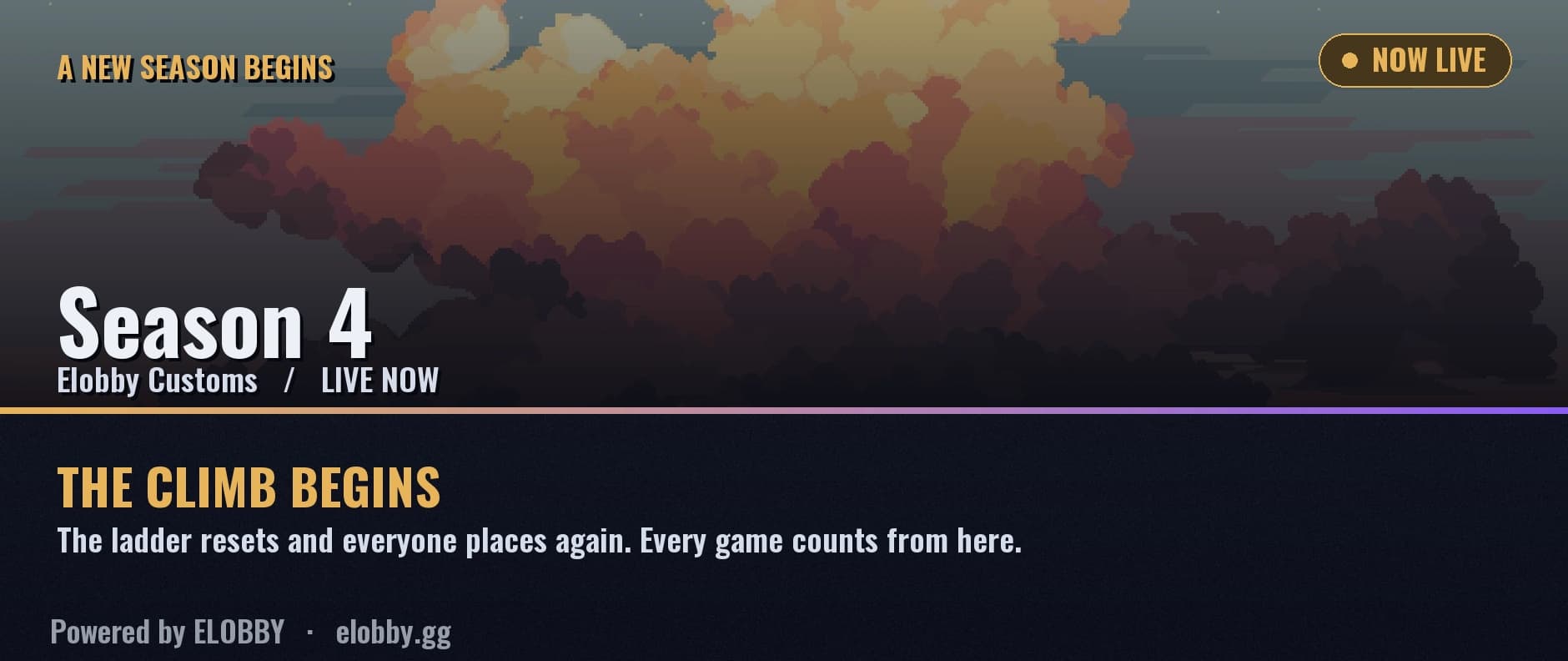
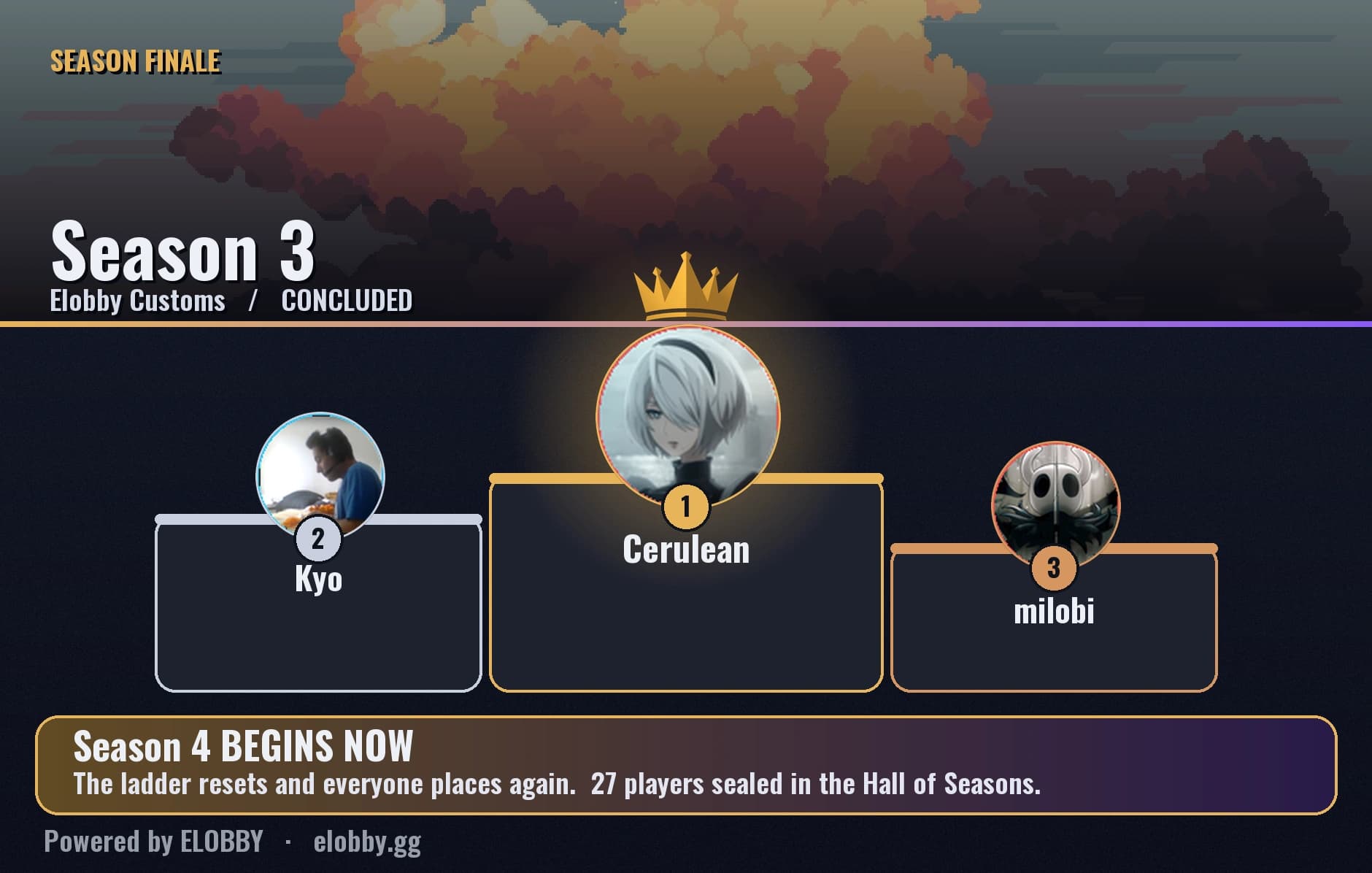
Elobby posts these into your customs channel: one when a season opens, one when it ends.
Make it look like your season
Upload your own banner and it becomes the hero image on both cards, on the leaderboard and on your season pages. That is the point: a season on your server should look like your server.
Do not have art, or do not want to make any? Pick a theme instead and you get a finished look with no work: a colour and a matching banner, ready to post. Swap between them here.
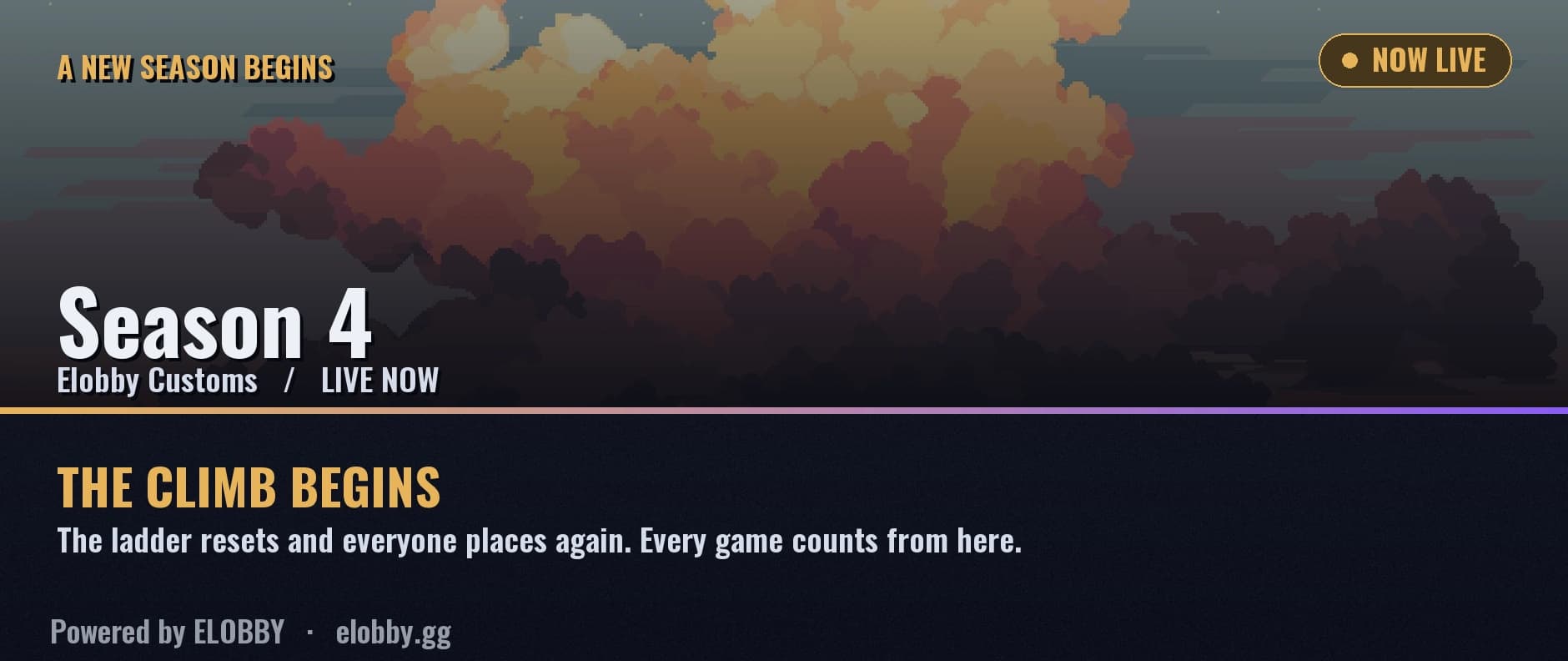
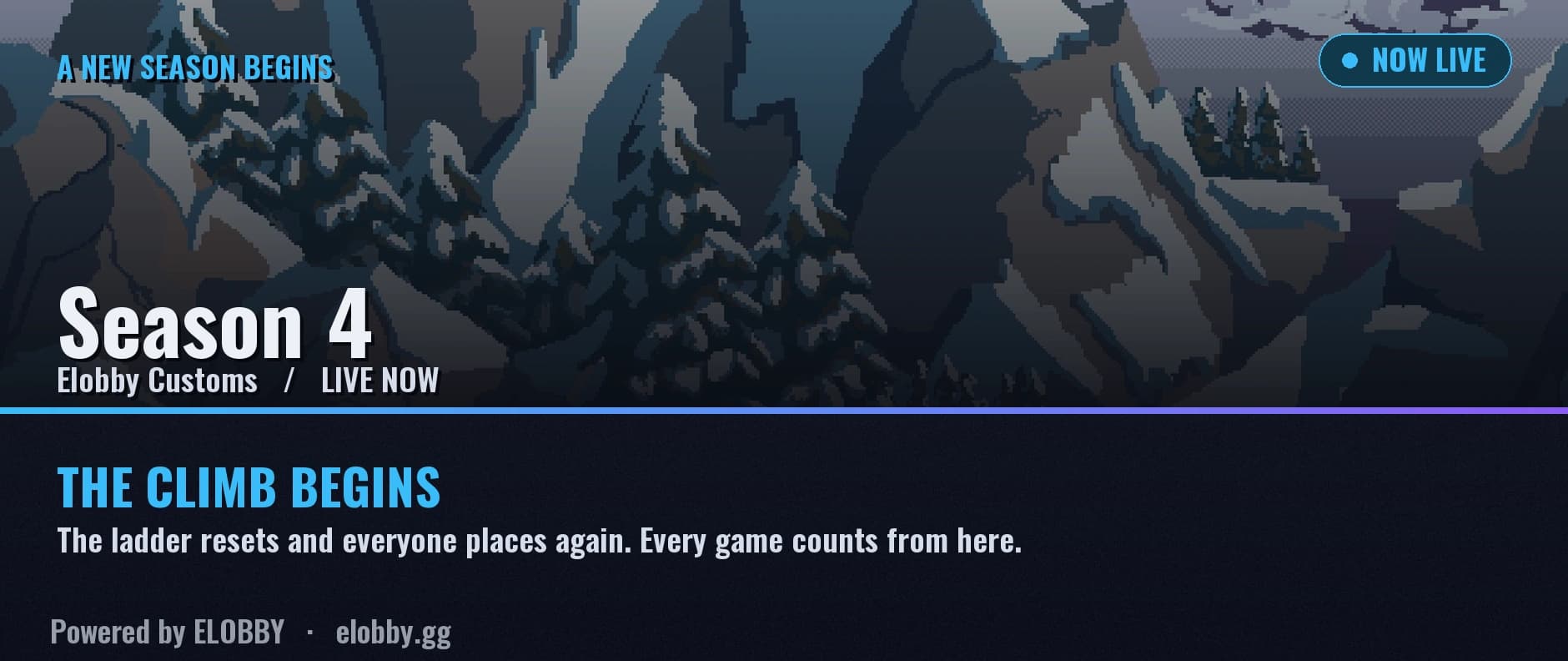
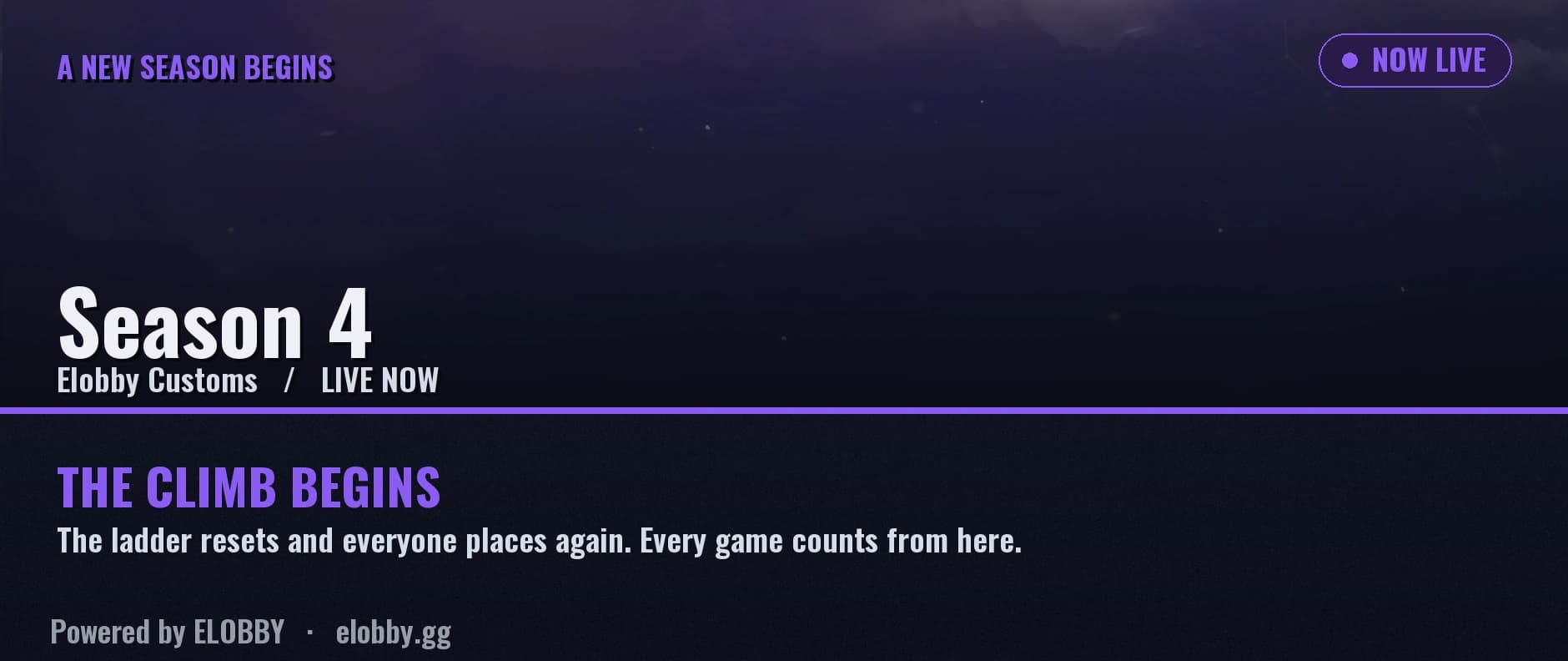
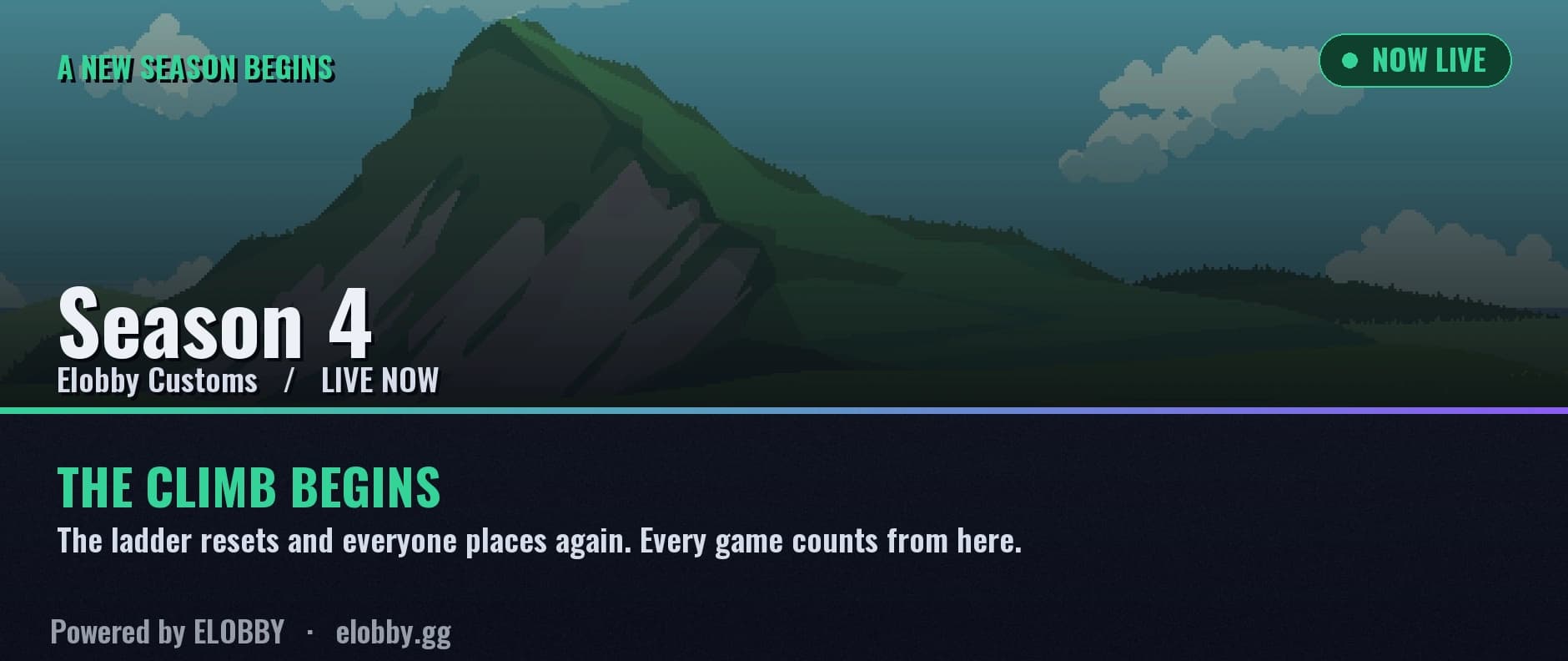
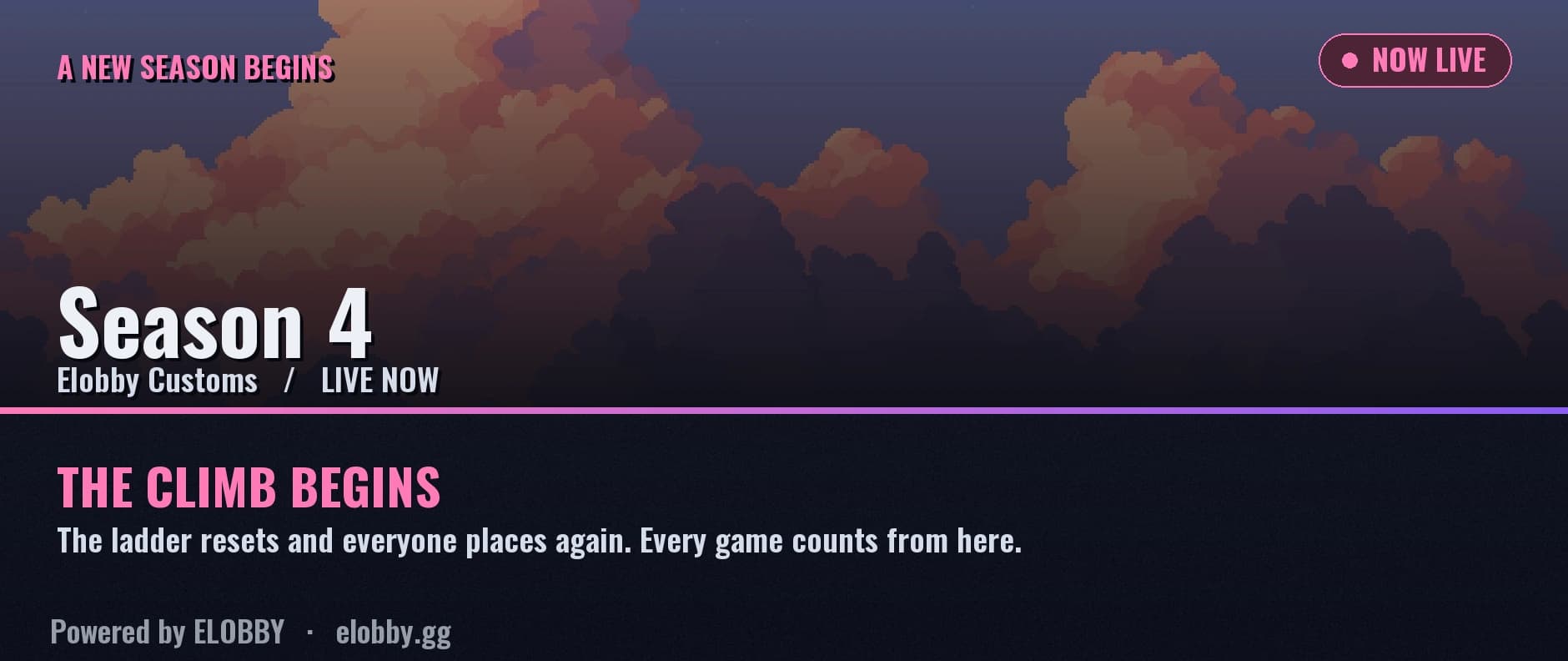
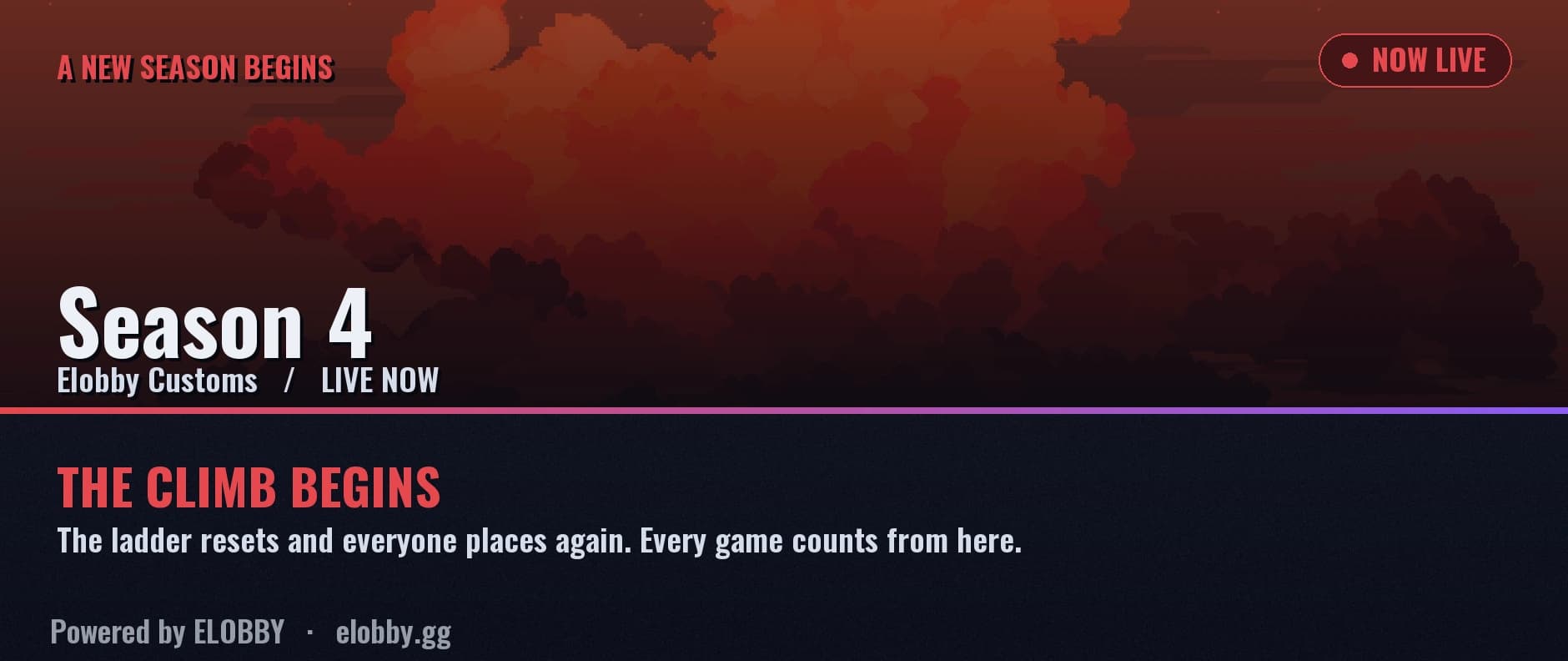
The theme sets the colour and the banner. The card shows your season’s name, and you can change the name, theme and banner while the season is running.
What a reset actually does
- Everyone’s visible rank resets and players re-place over their first few games, so the new season is a real race from day one.
- Elobby does not forget how good anyone is. Only the visible ladder resets; the hidden skill rating carries over. That is the part people assume they lose, and it is why placements are quick and land somewhere sensible instead of dropping the whole server back into random matchmaking for a fortnight.
- A season will not start mid-game. If a match is in progress, the boundary waits.
What a season leaves behind
- A permanent record. The final table is frozen the moment the season closes and stays browsable, so a player’s history covers every season they played, not just the live one.
- Trophy roles, in two layers. A reigning title that moves to each new champion, and a permanent badge frozen to that season, so last year’s winner keeps something to show for it forever.
- A victory speech, kept forever. The champion is invited to write one when they win, and it is published on your server’s page and then saved permanently to your hall of fame, beside every past champion and their own words. Seasons from years ago still have theirs. An admin can hide one that needs moderating.
- A story for everyone. The server gets a season recap, and each player gets a personal wrapped of their own season, built to be shared.
- Records that outlive it. Longest streak, biggest upset, longest reign at the top, all collected on your hall of fame.
Running them
- Close one any time with
/custom resetladder. - Line the next one up with
/custom seasonscheduleand Elobby starts it for you. - Or set a season length once, and every season after it schedules itself.
Recaps and Wrapped
The weekly recap, free on every server
Once a week Elobby posts the week back to your server: who climbed, who is on a run, and the biggest upset somebody pulled off. Quiet week, nothing posts, so it never becomes noise you learn to ignore.
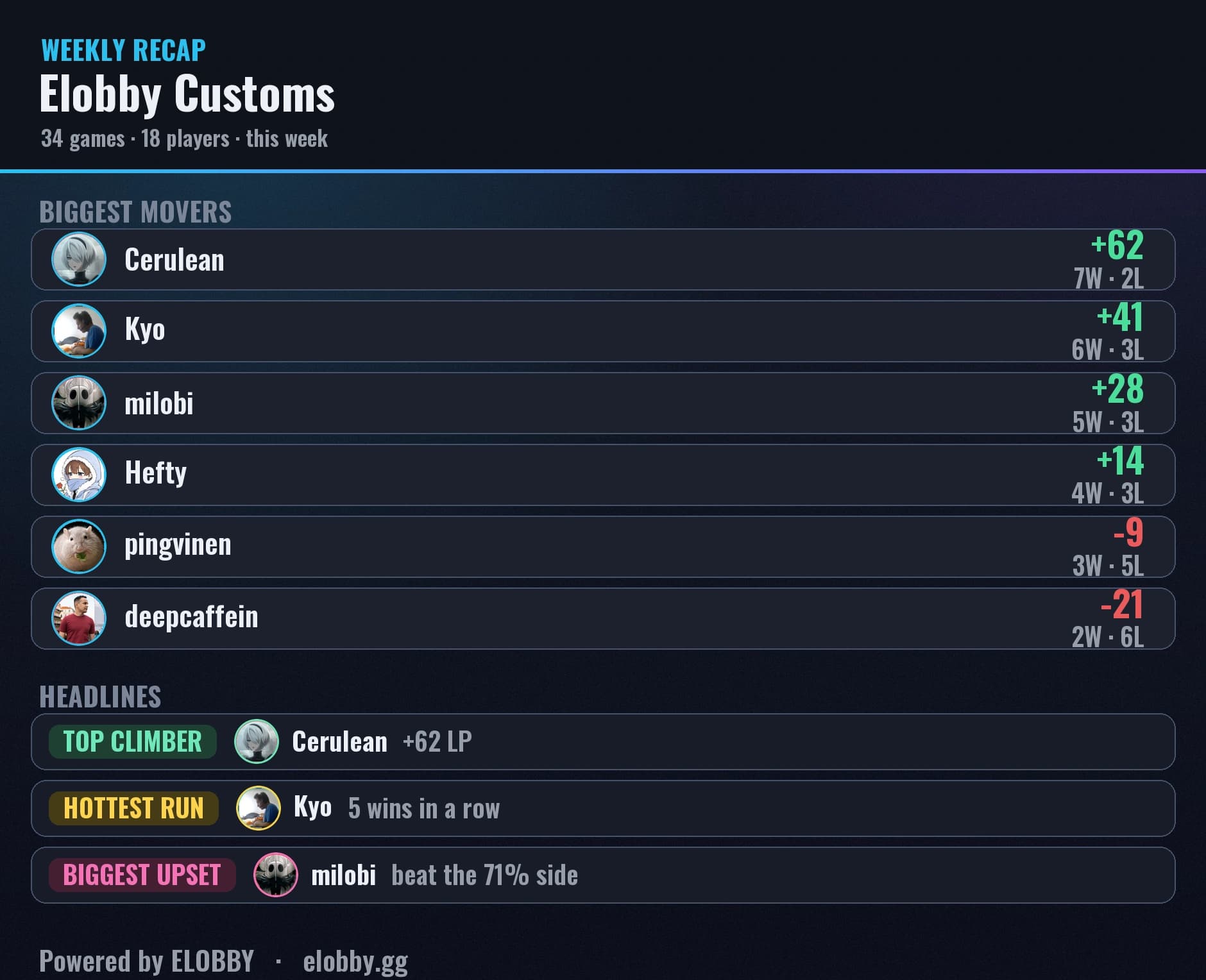
- Turn it on or off, pick the channel, and set how often it posts.
- Running several ladders? Each one gets its own section, in a single message.
- Want one now rather than waiting?
/recap.
The medals channel, free on every server
Pick a medals channel and Elobby celebrates the moments that matter there, the moment a game ends: a player finishing placement, a rank-up (a new rank or the next division), a games milestone, a win streak (5 in a row, then every 5 more), a server record broken and a new leader at the top of the ladder. It covers hosted games and Auto Queue, and it tags the players it celebrates, in one post per game.
- Set it in
/setupor on the dashboard under Settings, Channels, where each ladder picks its own, like its leaderboard channel. With it set, the placement and rank-up cards post there instead of with the match results, so match history keeps just the results. Leave it unset and they stay with the results. - If a result is undone, its medals are taken back and the post says so.
The season recap (Pro)
When a season closes, Elobby reads every game of it and tells the story back: who ruled the ladder, how long the reign lasted, the rivalries that decided it, and exactly how each reign ended. It becomes a page you can share, and every card in it is a real player and a real number from your server.
Player Wrapped (Pro)
The season recap is the server’s story. Wrapped is each player’s own.
- Every player who took part gets their season told back to them: their record, their climb, their best run and the games that turned it.
- It is a page of their own, built to be shared, so the season ends with something to post rather than a leaderboard that quietly resets.
- Elobby can send it to each player when the season ends. It is on by default and one switch turns it off for the whole server.
Multiple ladders (Pro)
A ladder is one competition with one skill rating. If your server plays more than one thing, running it all on a single ladder mixes those skills together: someone excellent at one game and new to another ends up rated as one blended average, and neither number is true. Give each game its own ladder and each one learns that game only.
Players do not choose a ladder from a menu, so nobody lands on the wrong one. The channel the game is started in decides where it counts.
What each ladder can have of its own
- Its own ranks: names, crest art and the Discord role each rank grants.
- Its own seasons, on their own schedule and its own length. One game can be mid-season while another is between seasons, each with its own season name, colour theme and banner.
- Its own trophy roles for that game’s top three.
- Its own channels: a category for its voice rooms and a customs channel of its own, with its own voice-channel naming, its own leaderboard channel kept live after every game, and its own medals channel.
- Its own announcements: season start and end messages, its own channel to post them in, its own ping role, and the option to turn them off for that ladder alone.
- Its own section in the weekly recap, all in one message rather than several.
- Its own default preset for /custom start: what a host gets when they leave the preset out and have not started one on that ladder before. A host who has keeps their own last one.
Anything you leave unset is inherited from your server defaults, so a second ladder is not a second setup job. Change what makes that game different and leave the rest alone.
Manage them with /custom leaderboard (add, list, rename, remove) or from the dashboard. Removing one archives it rather than deleting it: the games, the ratings and the season history are kept, and they come back if you bring the ladder back. The same is true if a subscription lapses, so nothing you have played is lost to a billing change. Servers running a single ladder never see any of this.
Your public pages
Everything your server plays has a page on elobby.gg, free, with no login needed to read it. Those pages are the shareable half of Elobby: a link works in any chat, not just the Discord it came from.
- Every match gets its own page with both full rosters, who won, each player's LP change, and the win chance Elobby predicted before it started, so an upset is visible as one. While a game is still being played the same page shows it live.
- Every player gets a profile: rank and LP, record, streak, recent games, and their past seasons.
- Your leaderboard, one per game you run.
- Your hall of fame, for the records that outlive a season, and on Pro the season recap and each player's wrapped.
Because these are public by design, treat them as public: a player's name, avatar and record can be read by anyone with the link. Whether your server also appears in Elobby's public directory is a separate switch you control, and removing the bot stops the pages serving straight away.
Configuring from the dashboard
On a server's config page you can set:
- Hosts: allow whole roles, or specific members by name, to run and manage customs (besides Manage Server admins).
- Category & customs channel: where the bot creates voice channels, and the text channel each session's thread lives in.
- Channel names: name the Lobby / Team channels. Use
{NUMBER}for the session number and{HOST}for the host's name. - Ranks: name each rank, give it your own crest art, and pick the Discord role it grants. Elobby decides where each rank's LP band sits, so there is no number to tune.
- Seasons (Pro): set how long one runs, schedule the next, and write the announcements that open and close it. Give a season its own name, colour theme and banner image, and you can change all three while it is running, and the leaderboard, the cards and the recap all pick it up straight away. Set a season length and Elobby lines the next one up for you automatically, so a server can run seasons back to back without an admin remembering to start each one.
- Wrapped messages (Pro): when a season ends, each player who took part can be sent their own personal wrapped. On by default, and one switch silences it for the whole server.
- Weekly recap: turn it on or off, pick the channel, and set how often it posts.
- New lobby ping: have Elobby announce a new lobby to a role you choose, so a game night does not depend on someone noticing. Separate from the waiting-list tags, which you can switch off on their own.
- Admin log channel: mirror admin actions into a channel of your choice, so who corrected a result, kicked a player or changed a setting is on the record and disputes have a paper trail. Also available as
/custom logchannel. - Public directory: your boards are public either way. This decides whether your server also appears in Elobby's public server directory, so you can be findable or stay unlisted.
- Servers hub: the directory at elobby.gg/servers shows each listed server with its live games, what it plays and when it usually plays. Two things only you can supply: a short description for your card, and a permanent invite link so visitors can join. The invite is checked before it is saved, so it always leads to your server and never to a dead link. The same card shows you how many people the hub sent you this month.
- Live stream overlay (Elite): a browser source for OBS that puts your ladder and your live matches on screen while you stream.
Ranks & tiers
Ranks are yours to design. Every server starts with the same five, and five is the right number for almost every server.
On Pro you can rename them, replace the crest art with your own, and add up to three more on top, for eight in all.
We suggest you don’t. More ranks means fewer players in each one, so unless your ladder runs a lot of games with a lot of people, the highest ranks end up too hard to reach and simply sit empty. A short ladder that everyone climbs beats a long one that nobody finishes. Ranks can also be added but never removed, so the ladder only ever grows and nobody is left stranded above its ceiling.
Each rank owns a fixed band of 300 LP split into three divisions, and Elobby places the bands for you, so what you choose is the name, the art, and the Discord role it grants automatically.
Elobby tracks skill and rank separately.
- A hidden rating learns how strong each player is. It rises on wins and falls on losses, adjusted for how strong the opponents were. Players never see it, and it never sets anyone’s rank.
- LP is what players climb, and it alone sets the rank and division shown on the leaderboard, on profiles and on every result card.
- The hidden rating decides how much LP a game is worth, so your visible rank catches up to the skill Elobby has learned: win while it rates you above your rank and you gain more, win while you are sitting above where it rates you and you gain less.
The skill estimate uses Glicko-2, if you want the name for it.
Easier to feel than to read. Play a few games for this player and watch what a win is worth as their rank closes on the hidden rating.
A new player has no rank at all for their first 5 games, so one lucky night cannot crown anybody. Where they enter depends on how those games went, but never past the shaded band: an audition cannot hand out the top two ranks, which are climbed into.
Placement. A player's first 5 games are placement games. They show as "Placing" instead of a rank while the ladder learns them, so a lucky early streak can't vault anyone to the top. When they finish, they enter at the rank they earned, but the top two ranks are always earned by climbing the live ladder, never handed out straight from placement.
FAQ
Press a question to open it.
Is Elobby free?
How does the rating work?
Why does a new player show “Placing” instead of a rank?
How are teams balanced?
Do players need to sign in to the website?
Can Elobby keep a live leaderboard in a channel?
Does it only work for one game?
Can I run seasons and reset the ladder?
/custom resetladder to close the current season and start fresh. Elobby archives the final standings, crowns a champion, and resets everyone’s visible rank so the new season is a real race. The hidden skill rating carries over, so placements are quick and nobody starts from nothing. Schedule the next one with /custom seasonschedule.Can several customs run at once?
What permissions does the bot need?
Command reference
| /custom start | Open a session: posts the live board, opens a thread and a Lobby voice channel. Players tap Join. Leave the preset out to start your last one for that game. |
| /custom finish | End the current session and clean up the voice channels the bot created. |
| /custom config | (Admins) Set the category, customs channel, leaderboard channel, host roles, and channel names. Most of this also lives on the dashboard. |
| /setup | (Admins) A guided setup in a private panel: your staff (hosts and moderators), your customs channel and voice category, then an optional Auto Queue. You choose channels you already have, or press Create for me and Elobby makes one; Elobby creates temporary game rooms inside the category. |
| /custom correctresult | (Admins) Fix a game that was reported with the wrong winner. Pick the game, choose the real winner, and every rating after it recomputes automatically. |
| /custom resetladder | (Admins, Pro) Close the season and start a fresh ladder. Archives the standings and crowns a champion. |
| /custom seasonschedule | (Admins, Pro) Auto-start the next season later (for example 2d or 12h), or cancel a scheduled one. |
| /custom syncroles | (Admins) Re-apply every player's rank role from their current rank. |
| /custom resetplayer | (Admins) Reset one player back to unranked, so they place again from scratch. |
| /custom transfer | (Admins) Move a player's rank, record and history to a new Discord account. It shows what the new account's own standing is first, and saves it. |
| /custom undotransfer | (Admins) Put the last transfer into an account back exactly, until either account plays a counted game. |
| /custom suspend [player] [duration] [reason] | (Manage Server) Block a player from this server's queues. Never touches a game in progress. |
| /custom unsuspend [player] | (Manage Server) Lift a queue suspension. Their disqualification history is unchanged. |
| /custom undoreset | (Admins) Undo a player reset and put them back exactly as they were. |
| /custom logchannel | (Admins) Mirror admin actions into a channel, so disputes have a paper trail. |
| /custom leaderboard | (Admins, Pro) Add, list, rename, or remove the separate game ladders on your server. |
| /custom suspensions | (Admins) See who is currently blocked from your queues, why, and when it ends. |
| /queue setup | (Admins) Put a new Auto Queue in a channel: Elobby checks its permissions there, then posts the board players press Join queue on. |
| /queue edit | (Admins) Change, pause or delete one of your Auto Queues, from any channel. With two or more, pick the one to manage. |
| /queue pause | (Admins) Pause this channel's queue. Games in progress finish; nobody new is queued. |
| /queue resume | (Admins) Reopen a paused queue in this channel. |
| /queue panel | (Admins) Post the queue board again in this channel. |
| /queue console | (Admins) Put this queue's management panel in this channel. |
| /queue settle | (Admins) Set the winner of a queue match that was left unresolved, by its match id, while its season is still open. A Dead by Daylight trial has no winning side: settle it from Admin controls, Settle trial. |
| /custom help | Explain what each button on the match card does. |
| /custom guide | Post a pinned guide in your customs channel telling members how customs work here. |
| /custom panel | (Host or mod, inside a session thread) Repost the host controls at the bottom of the thread, even mid-game. |
| /custom seasoncard | (Admins) Re-post this season's card after uploading or changing a banner. It edits the existing announcement instead of adding a second one, and tells you which image it used. |
| /leaderboard | Top players on this server's ranked ladder. |
| /profile [user] | A player's rank, LP, record, streak and games played. |
| /history | The most recent finished custom results. |
| /recap | (Admins) Post the weekly ladder recap right now. |
| /help | How Elobby works: playing, hosting, and admin setup. |
| /health | (Admins) Check the setup and name anything missing, including permissions. |
| /dashboard | Open this server's dashboard. |
| /ping | Check Elobby is alive, and see which version is running. |
Still stuck?
Ask on the Elobby Discord and we’ll help.